 Dipper Field
A GNSS receiver measures height above the ellipsoid, a smooth mathematical shape of the earth. Height above sea level comes from a geoid model, and different receivers and phones carry different models. In the United States, survey and engineering elevations are on NAVD88, worked out through NOAA's GEOID18 model.
Dipper Field records the heights your receiver or phone gives. It converts them into NAVD88 when you export survey points or a CAD drawing in a NAD83 coordinate system.
What Dipper Field records
For each point measured with a receiver or the phone's GPS, the record keeps:
- Elevation: the height above sea level by the geoid model the receiver or phone carries, which may not be GEOID18. This is the height the record shows.
- Ellipsoidal height: the height above the ellipsoid, as measured.
- Antenna height: with a receiver on a pole, the height you entered on the receiver screen. It's already taken off both heights, so they're the height of the ground.
Points you place on the map rather than measure have no height.
Where you see the heights
- On the receiver screen, under Location details, Altitude is the height a record would be saved with now: the ground below the pole, in meters. Open Settings and tap Location source to get there.
- On a record, Elevation is under the coordinates, with how far it may be out. Tap the coordinates to open Location, which lists Elevation, Estimated height error, Ellipsoidal height and Antenna height, as far as they're known.
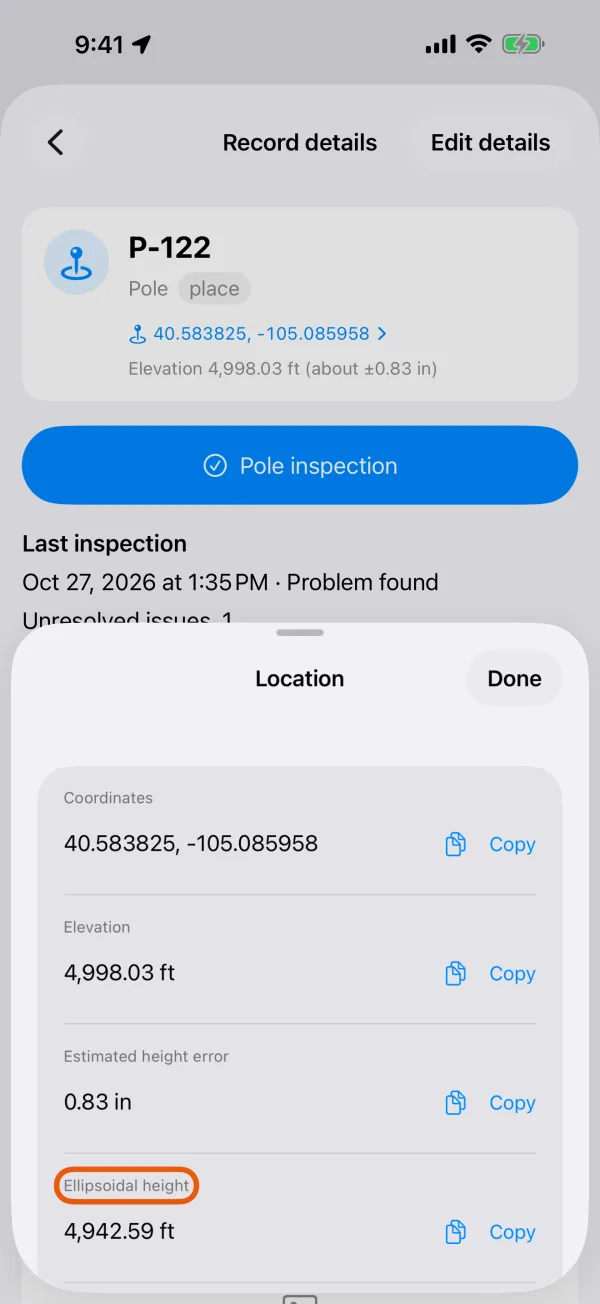
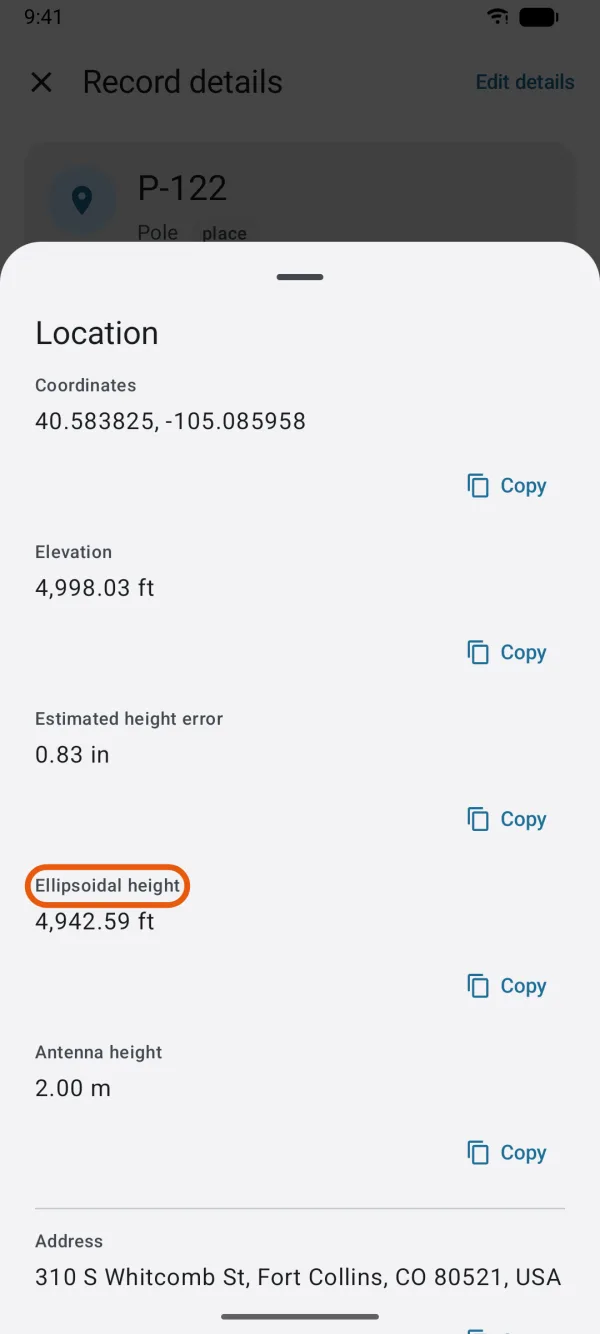
Elevations on a record are shown in feet or meters, following the distance unit in Settings. Antenna height is always in meters, as you entered it.
Export elevations in NAVD88
Before you start
- Points whose ellipsoidal height was recorded. On a measured point, Location lists it as Ellipsoidal height.
- The United States height files, NAVD88 · PRVD02, about 17 MB. Unless you turned off Download automatically, they download by themselves when you're in the United States; see coordinate and height data downloads.
Open the project, tap Project, then Export standard data.
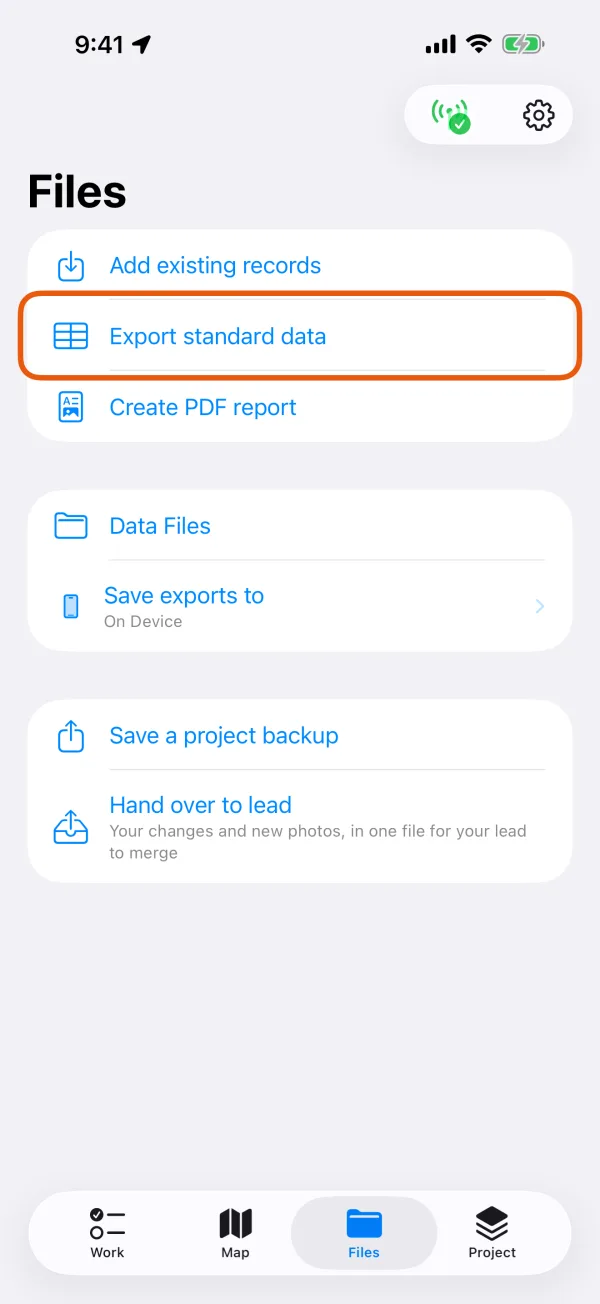
The Project tab, with Export standard data marked. 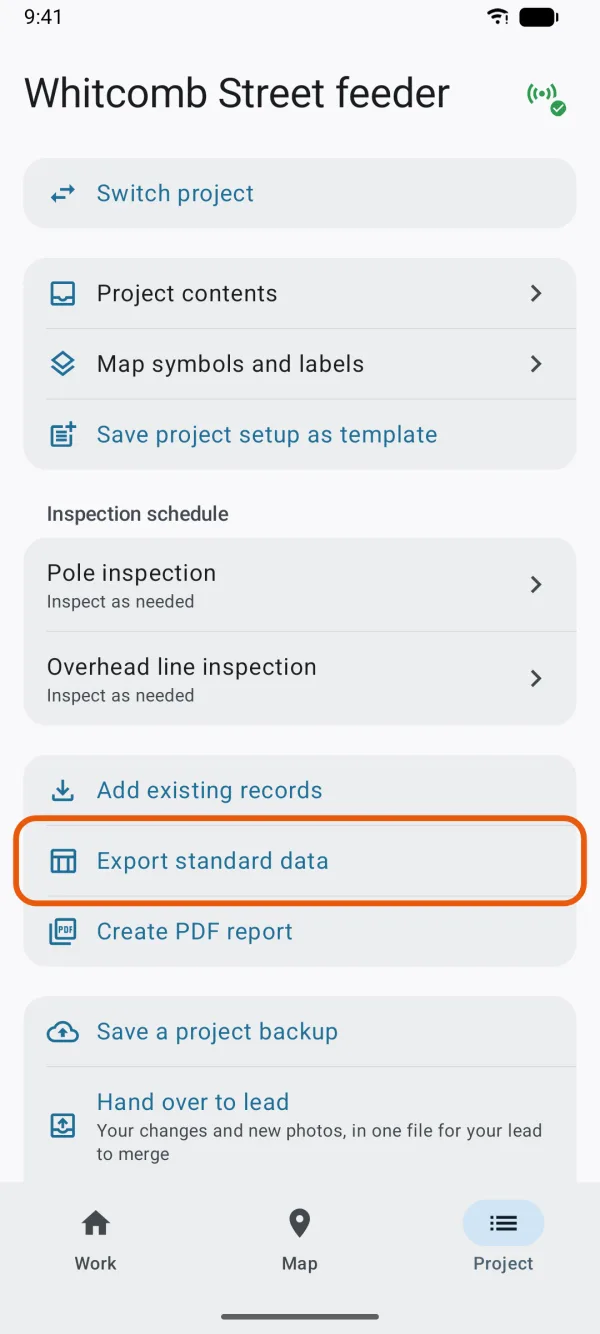
The Project tab, with Export standard data marked. Choose the Record type, and Survey points (PNEZD) under Format.
Set the Coordinate system to a NAD83 zone.
Choose the one your drawing or specification names, such as NAD83(2011) / California zone 3 (ftUS), EPSG:6420. See coordinate systems for import and export.
Check that Elevations in NAVD88 (GEOID18) is on.
It's on by default. If it's grayed out with To give elevations in this system, download the files for United States under it, the height files aren't on the device yet. Tap Download and wait for it to finish; the switch then turns on.
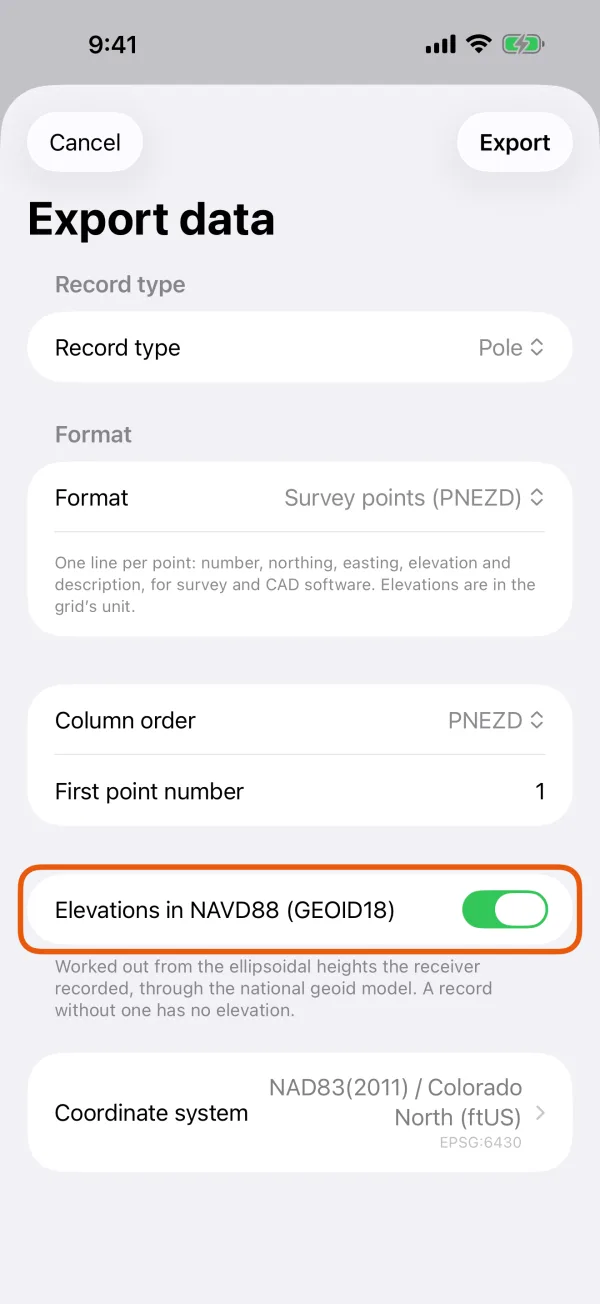
The NAVD88 switch, with how the elevations are worked out. 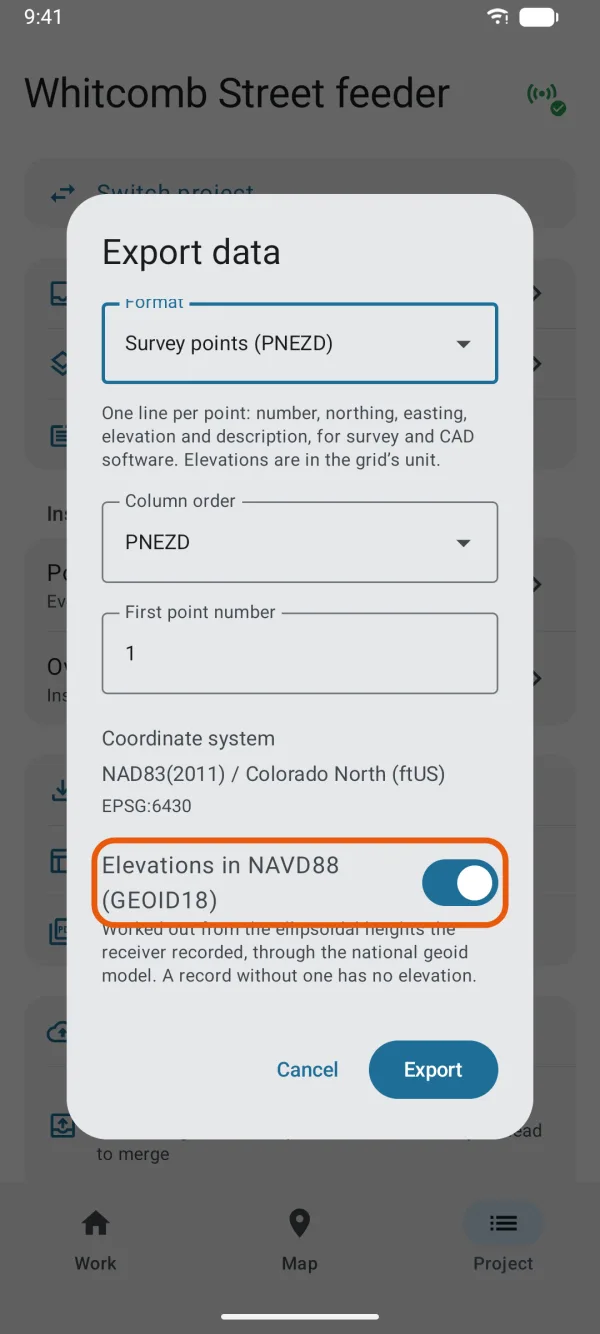
The NAVD88 switch, with how the elevations are worked out. Tap Export.
Each line of the file has the point's NAVD88 elevation in the zone's unit, US survey feet for a (ftUS) zone. A point that can't be given one has its elevation left empty, so it's never mistaken for a NAVD88 height.
For a drawing, the same switch appears in CAD delivery (DXF) below Include elevations (Z), once you've typed the EPSG code under CAD coordinate system. There, a record that can't be given a NAVD88 elevation is drawn at Z=0. See CAD delivery package and PNEZD.
How the elevation is worked out
- Dipper Field starts from the point's ellipsoidal height.
- A position from a correction service whose Referenced to is WGS 84 / ITRF is first moved to NAD83(2011) for the date it was measured, as its easting and northing are.
- The height then goes through GEOID18 to NAVD88.
There's no estimate in between: a point without an ellipsoidal height, or outside the area GEOID18 covers, gets no elevation rather than an approximate one.
Which coordinate systems offer it
| Coordinate system | Height system |
|---|---|
| State Plane and UTM zones on NAD83(2011), NAD83 or NAD83(HARN) | NAVD88 (GEOID18) |
| Zones named for Alaska | NAVD88 (GEOID12B), with the NAVD88 (Alaska) files, about 11 MB |
| Zones named for Puerto Rico | PRVD02 (GEOID18) |
| Hawaii, Guam and American Samoa | None |
| WGS 84 systems, such as WGS 84 / UTM | None |
GEOID18 covers the conterminous states, Puerto Rico and the US Virgin Islands. In Alaska, choose an Alaska State Plane zone to get NAVD88 (GEOID12B).
When the system you chose has none, the switch doesn't appear.
With the switch off
The file and the drawing take the Elevation each record shows: height above the receiver's or phone's own geoid model, converted into the zone's unit. Other export formats, such as GeoPackage, Shapefile and CSV, don't offer NAVD88.
Good to know
- An elevation is only as good as the antenna height behind it. Check Antenna height (m) on the receiver screen whenever you change poles.
- Heights from the phone's own GPS are much less certain than from an RTK receiver. Estimated height error shows how far each may be out.
- Recorded heights never change. Exporting again with the switch on or off gives the other kind of elevation from the same records.