 Dipper Field
Some coordinate and height systems are exact only with files that each country's mapping agency publishes. None of them come with the app. Dipper Field downloads them from the PROJ project's server, cdn.proj.org, and keeps them on this device.
What needs the files
- Exporting into a coordinate system on an older datum. In the United States that's any system whose name starts with NAD83 /, NAD83(HARN), NAD83(NSRS2007), NAD83(FBN), NAD83(CORS96) or NAD27. Systems on NAD83(2011) need no files.
- Elevations in a national height system, such as NAVD88 (GEOID18). See heights, NAVD88 and GEOID18.
Files are grouped by country. The United States has three sets:
| Set, as the app lists it | Size | Used for |
|---|---|---|
| NAVD88 · PRVD02 | About 17 MB | NAVD88 (GEOID18) elevations, and PRVD02 (GEOID18) for the Puerto Rico zone |
| NAVD88 (Alaska) | About 11 MB | NAVD88 (GEOID12B) elevations in Alaska |
| NAD83 · NAD83(HARN) · NAD83(NSRS2007) · NAD27 | About 100 MB | Exact conversions into the older NAD83 realizations and NAD27, in the states and territories |
Canada, the United Kingdom, Ireland, the Netherlands, Belgium, Germany, France, Switzerland, Austria, Spain, Poland, Denmark, Norway, Sweden and Finland each have a set too.
When files download by themselves
Download automatically is on unless you turn it off. With it on, Dipper Field fetches:
- the files the coordinate system you work in needs, set under Coordinate system in Settings, along with its usual height system
- the files for the country you're in: in the United States, Puerto Rico and the US Virgin Islands, that's the NAVD88 · PRVD02 set. The Alaska and NAD83 sets come only when a system you choose needs them.
- the files a coordinate or height system needs as soon as you choose it
It checks when Dipper Field opens or comes back to the front. To tell which country you're in, it compares your device's last known position with country outlines built into the app, so your position never leaves the phone for this. Near a border or the coast, it counts both sides and fetches both countries' files. Without location permission, only the files a system you chose needs come by themselves.
Downloads over 20 MB wait for Wi-Fi. Of all the sets, only the NAD83 set, at about 100 MB, is that big. On iPhone, a network in Low Data Mode counts as mobile data; on Android, a metered network does.
Download or remove files yourself
Open Settings and tap Coordinate and height data.
It's under Display, below Coordinate system. Once you have files, the row says how many sets, such as Downloaded: 2.
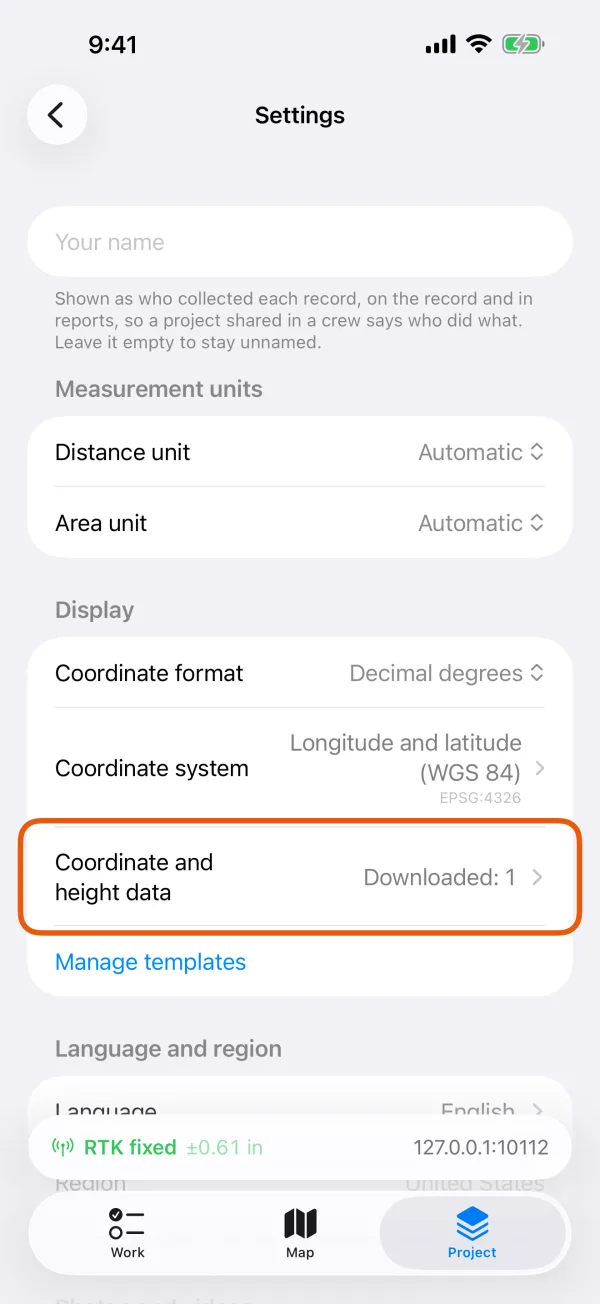
Settings, with Coordinate and height data marked under Display. 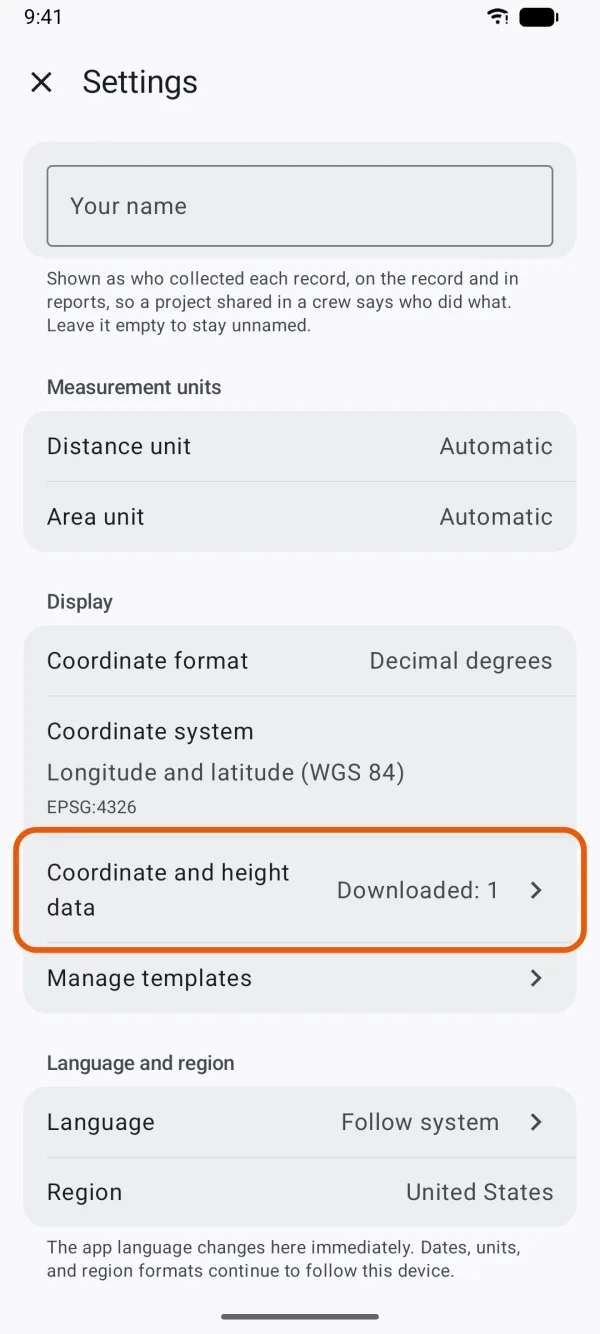
Settings, with Coordinate and height data marked under Display. Leave Download automatically on, or turn it off.
With it off, nothing downloads unless you tap Download.
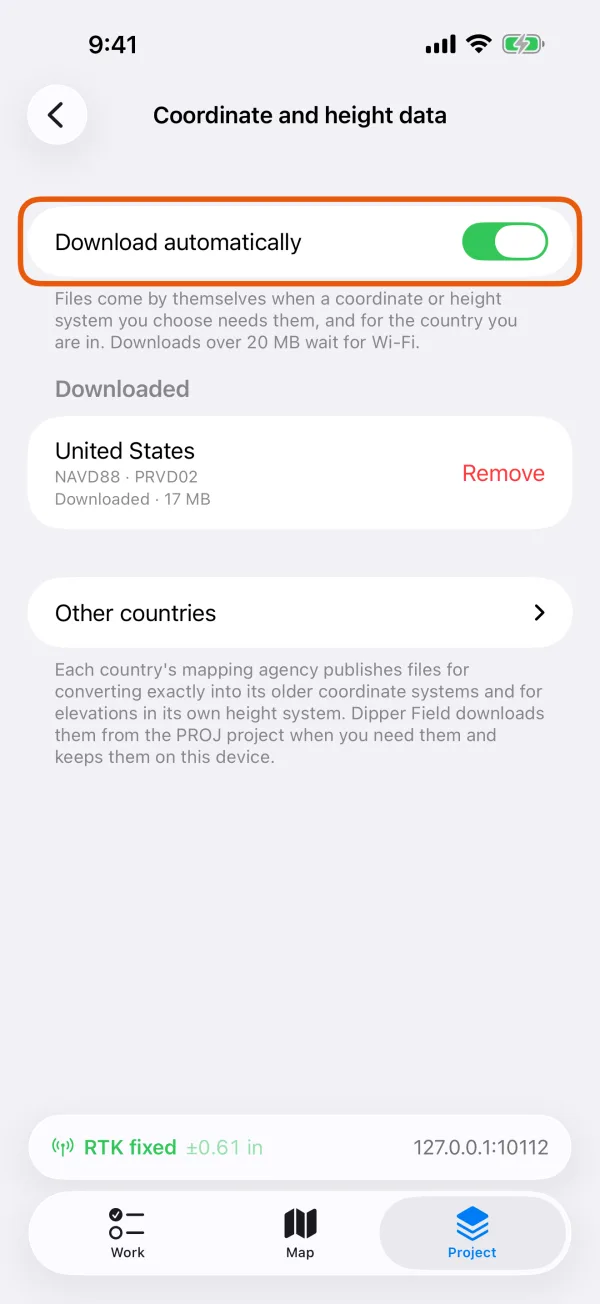
The Download automatically switch, with the downloaded sets below it. 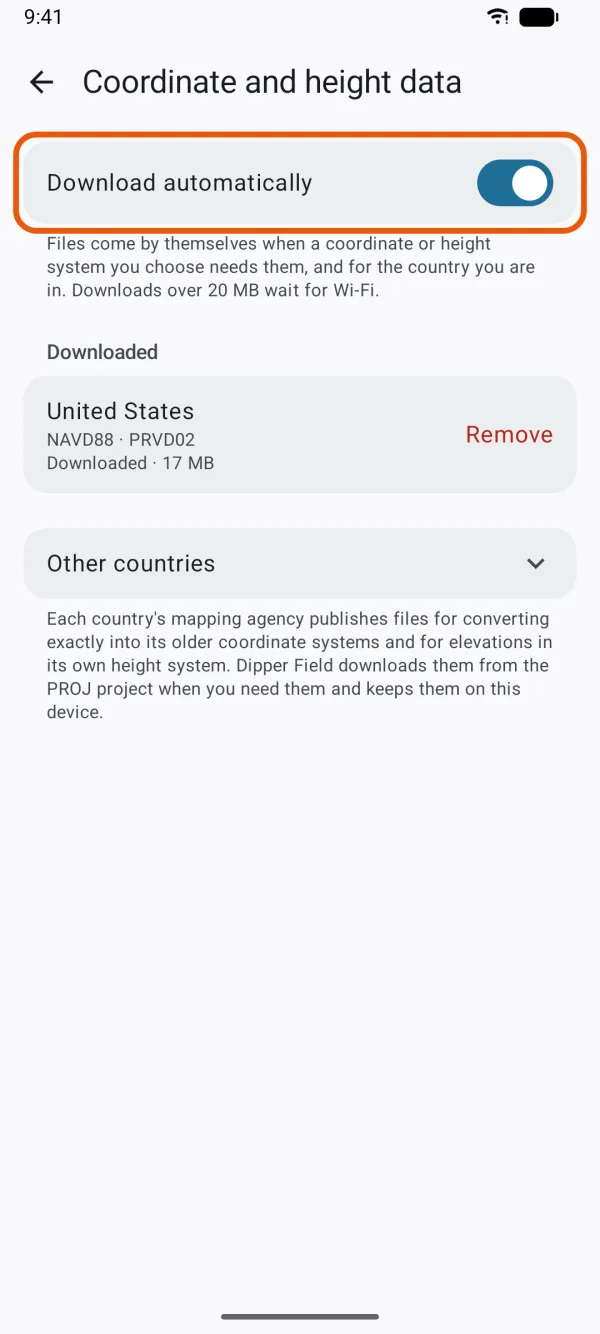
The Download automatically switch, with the downloaded sets below it. Tap a country to download its files.
Sets you have are under Downloaded. Tap Other countries to see the rest. Each row shows the country, the systems its files serve, and the size with the agency that publishes them. A download you start here runs on any connection, mobile data included. It says Downloading… 40% while it runs; tap Cancel to stop it.
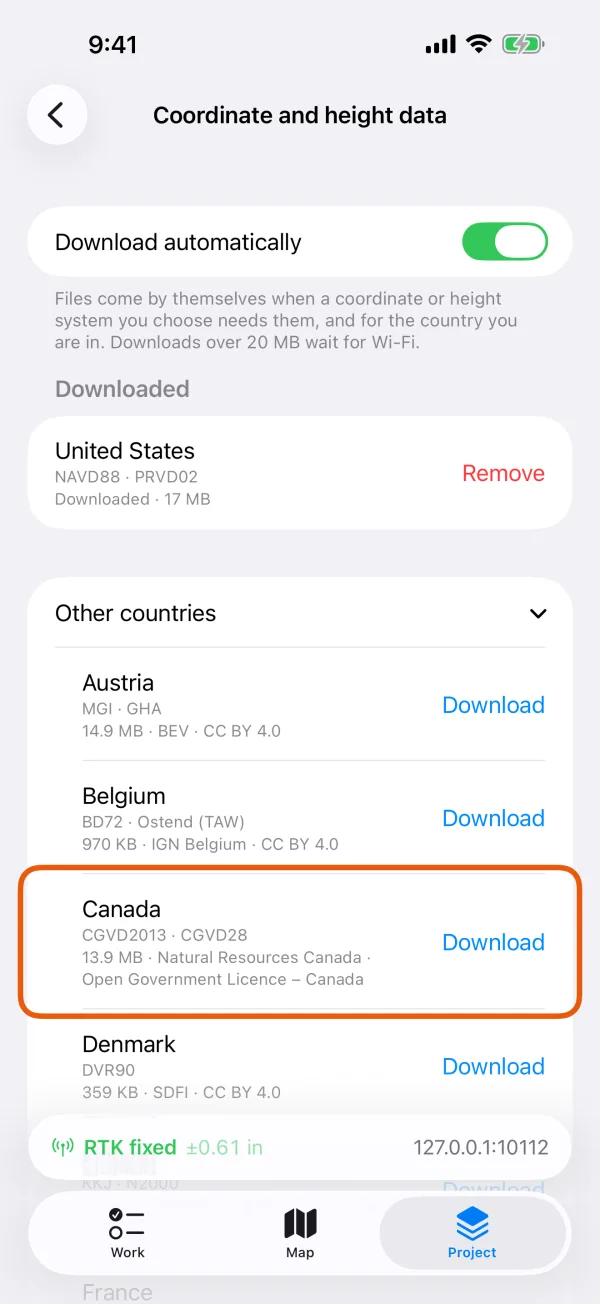
A country under Other countries, with its systems, size and Download. 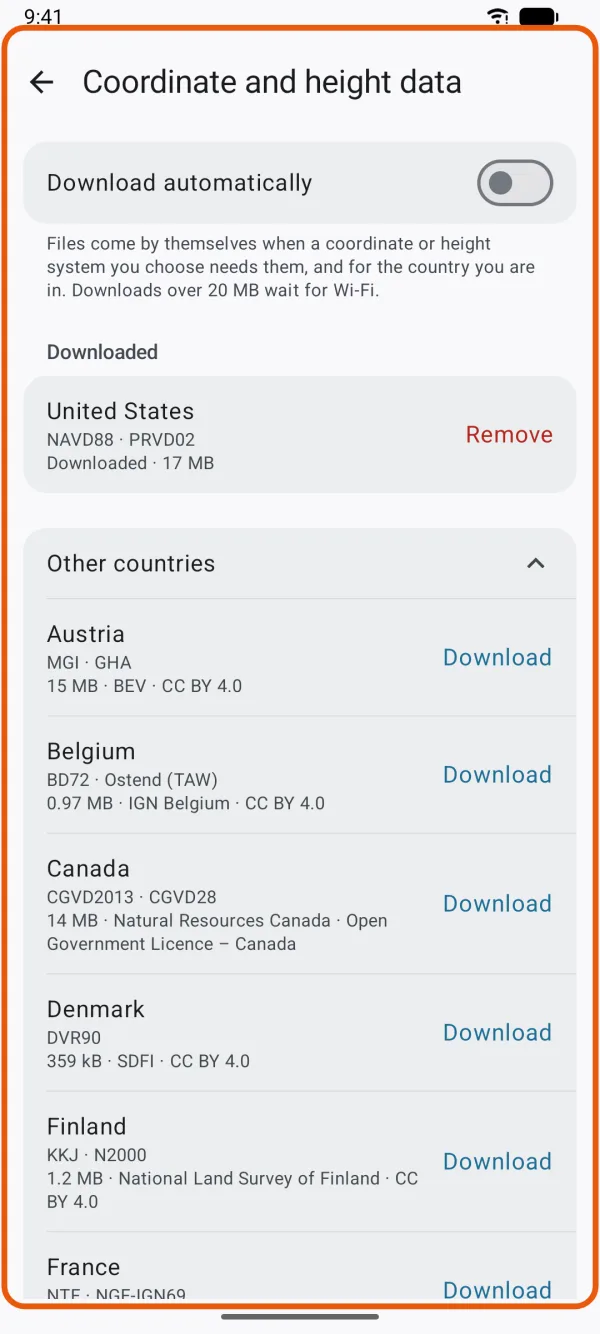
A country under Other countries, with its systems, size and Download. To delete a set, tap Remove and confirm.
The app asks first, and says what you lose until you download it again.
A download keeps going when you leave the page. If it stops, the row says The download stopped. Check the connection and try again. Tap the country to try again.
Where else the app offers the files
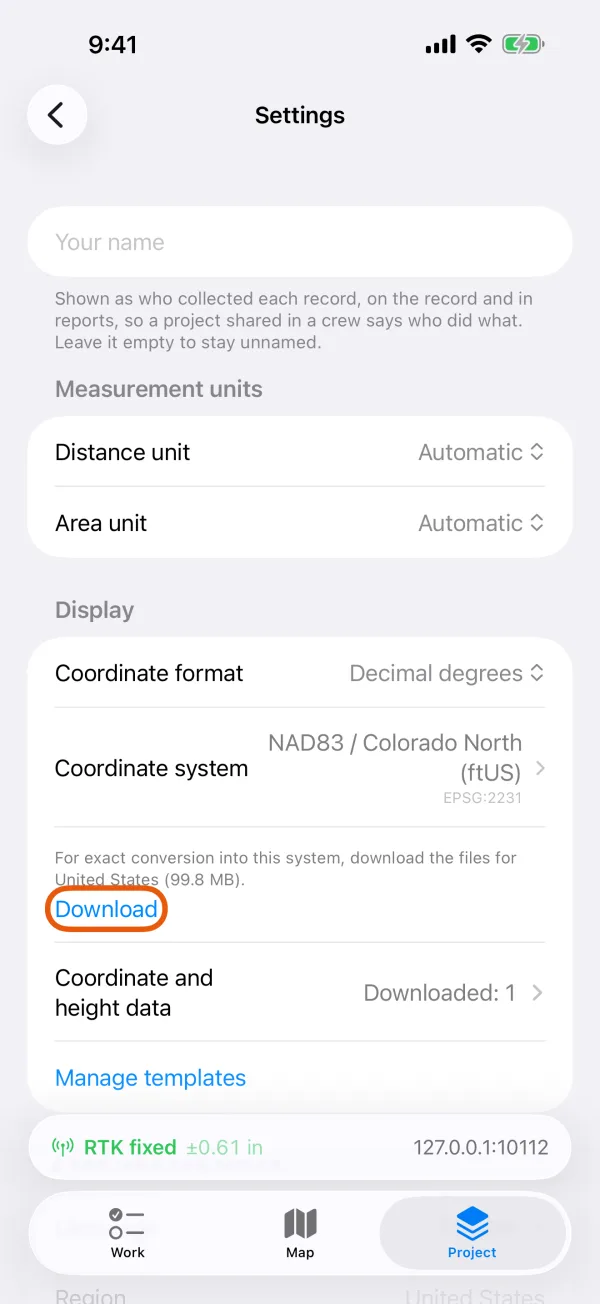
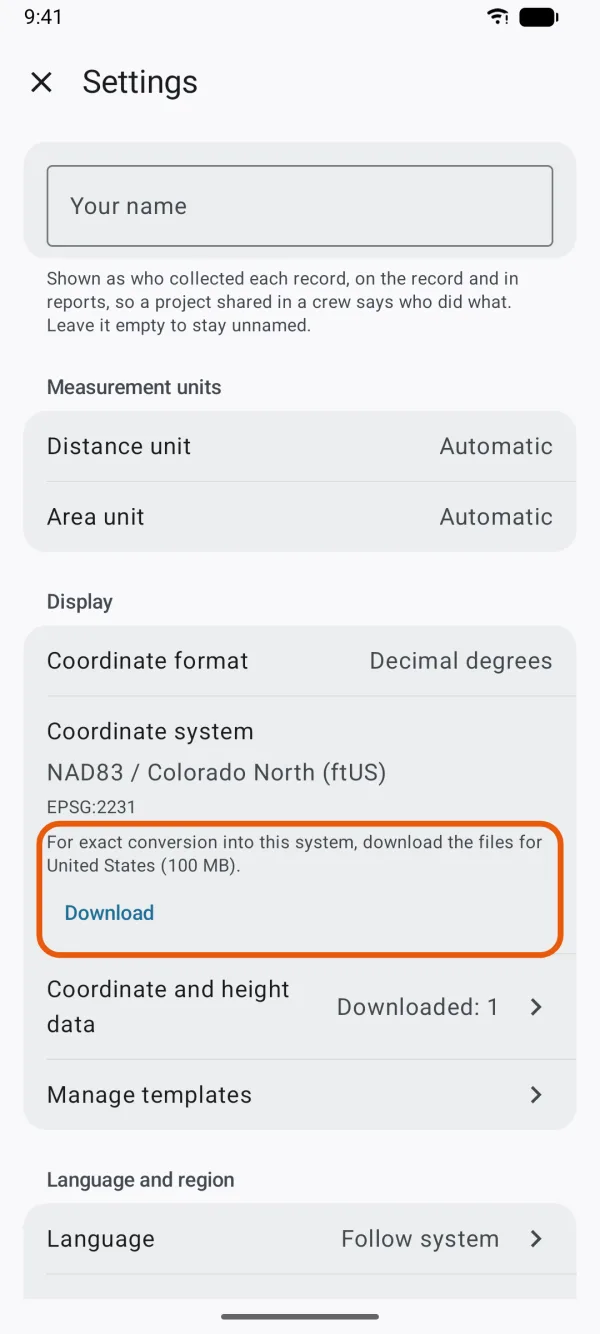
Wherever you choose a coordinate system that needs files you don't have, such as the Coordinate system row in Settings, in Export data or in Add existing records, a line under it says For exact conversion into this system, download the files for United States, with the size, and a Download button.
Where an export can give national elevations, the switch, such as Elevations in NAVD88 (GEOID18), stays off and grayed out until the files are here. A line under it says To give elevations in this system, download the files for United States, with a Download button.
With Download automatically on and a network it may use, the download starts as soon as the line appears.
Without the files
- Conversions into an older system are approximate. They can be up to about 3 ft (1 m) out.
- No national elevations. Exports give the heights as the receiver recorded them.
- A CAD delivery stops rather than guess. It doesn't place a drawing with an approximate datum shift. If a location can't be converted exactly, it says Some locations could not be converted accurately to this coordinate system. Check the target CRS; required transformation grids may be unavailable.
Good to know
- Each file is checked against its published size and checksum before it's kept.
- The files belong to this device, not to a project. They aren't in project backups, and each phone or tablet downloads its own. On iPhone they're also left out of device backups.
- The PROJ server sees your IP address and which files are requested. See privacy and your data.