 Dipper Field
Dipper Field comes with 42 templates on 8 industry shelves. Each one sets up the record types and fields for a common kind of field work, so a crew can start collecting in minutes. They're practical starting points, not forms required by a regulation or standard: rename fields, remove what you don't use and add your own.
Find a template
Tap Create project, enter a Project name and tap Choose an industry template.
With projects already listed, start with + and New Project.
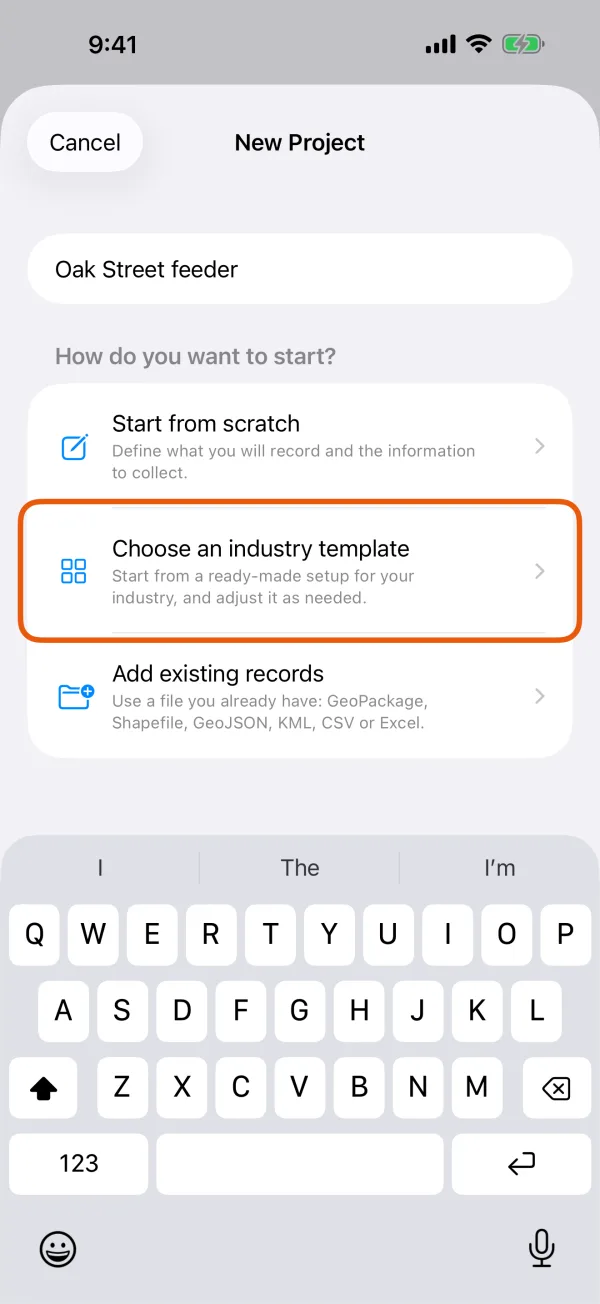
The three ways to start a project. 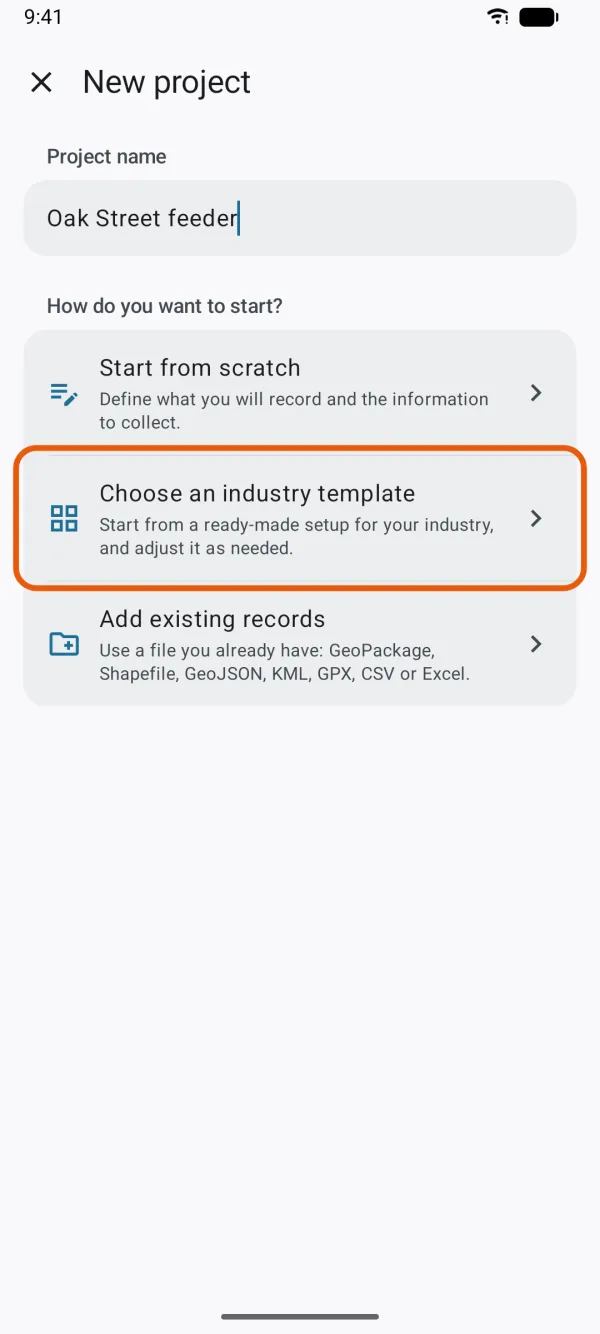
The three ways to start a project. Tap a shelf in Template Library.
Each shelf says how many templates it has. View All Templates lists every one.
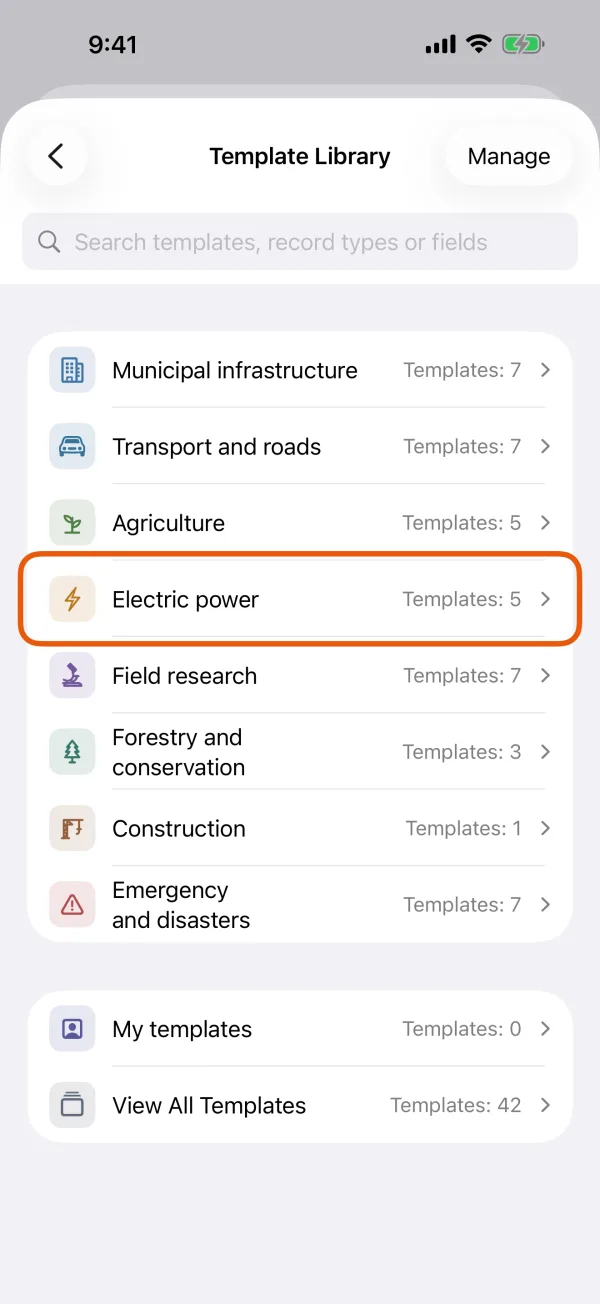
The industry shelves, with My templates and View All Templates below them. 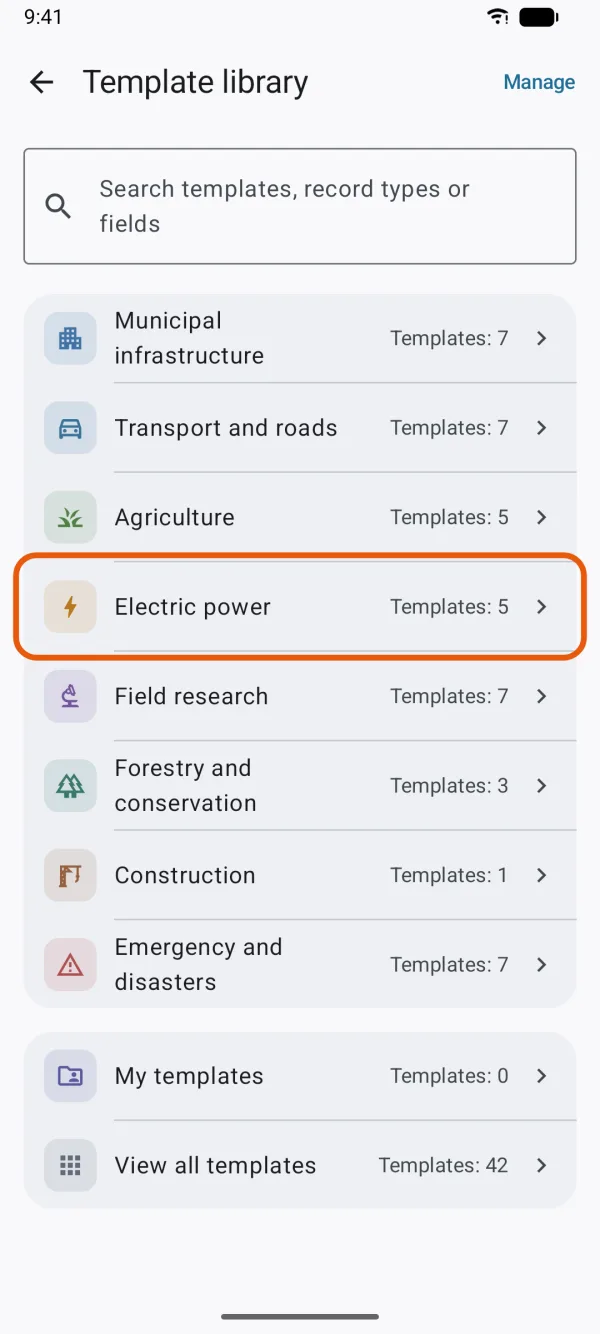
The industry shelves, with My templates and View All Templates below them. Look through the cards.
Each card shows the template's first record types and Record types: … · Fields: …. Tap the star to add it to your favorites.
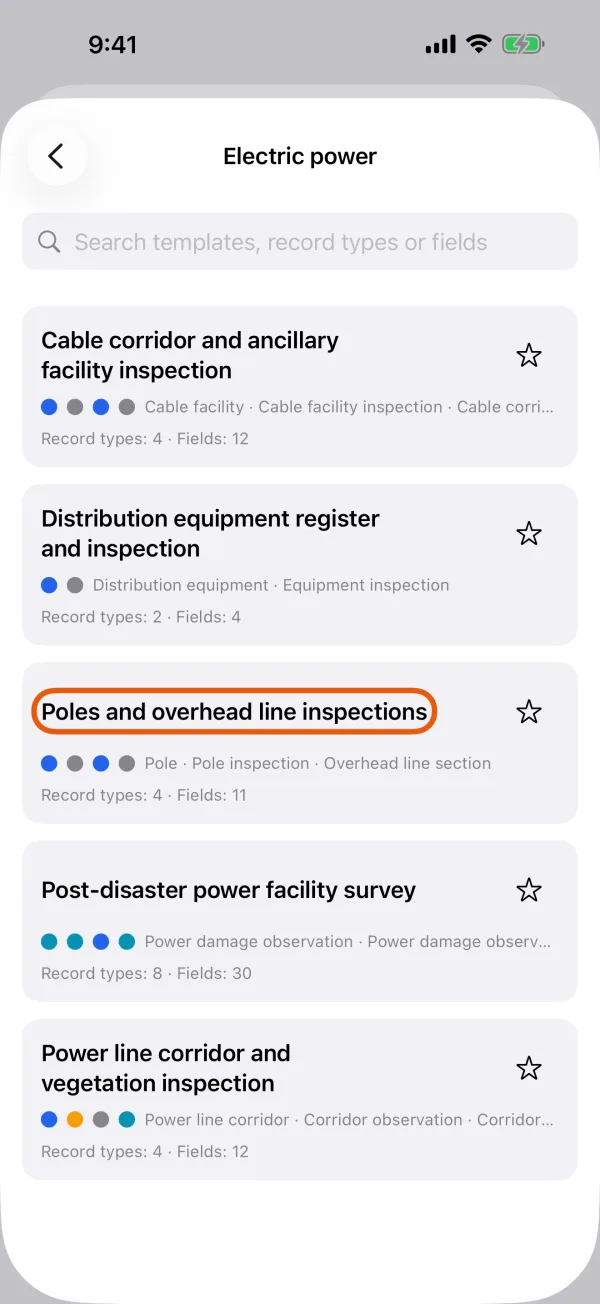
The templates on one shelf, each with its record types and field count. 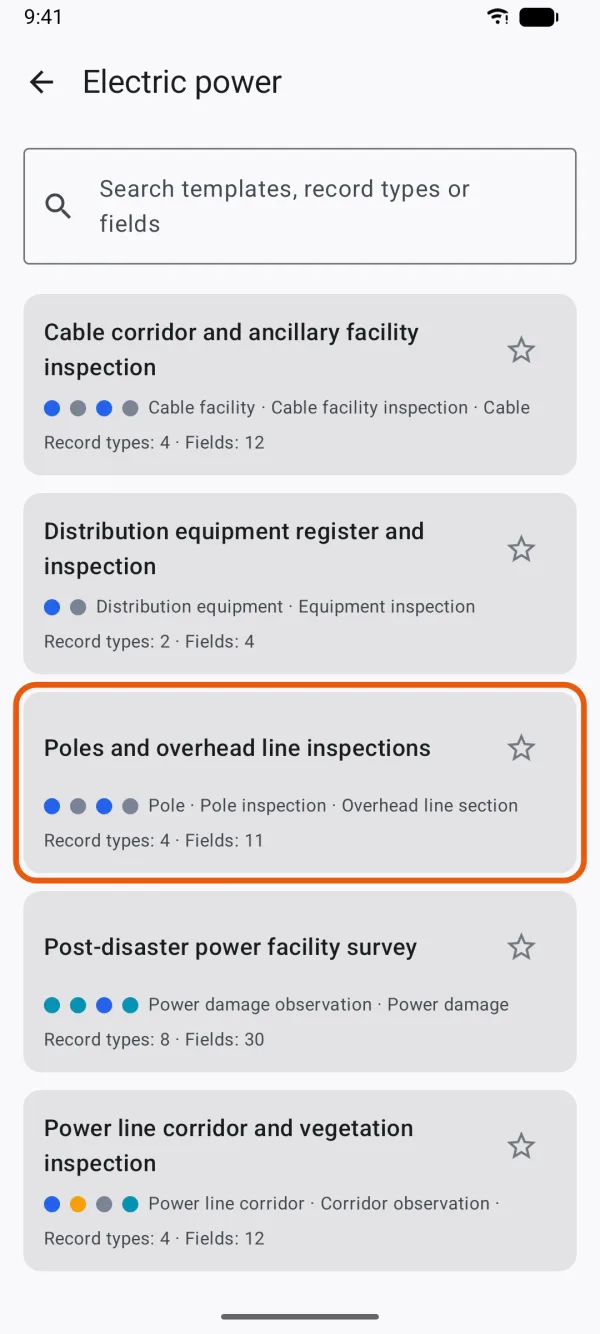
The templates on one shelf, each with its record types and field count. Tap a card, then Use Template.
The template's page lists its record types and how many fields each has.
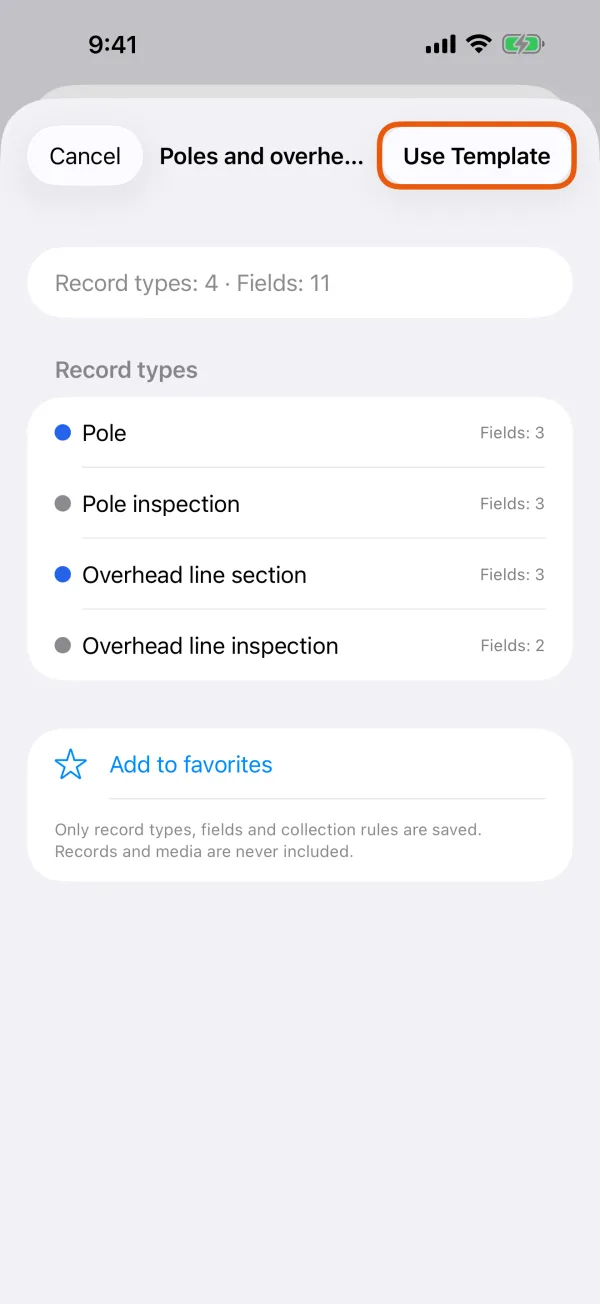
A template's record types, with Use Template at the top. 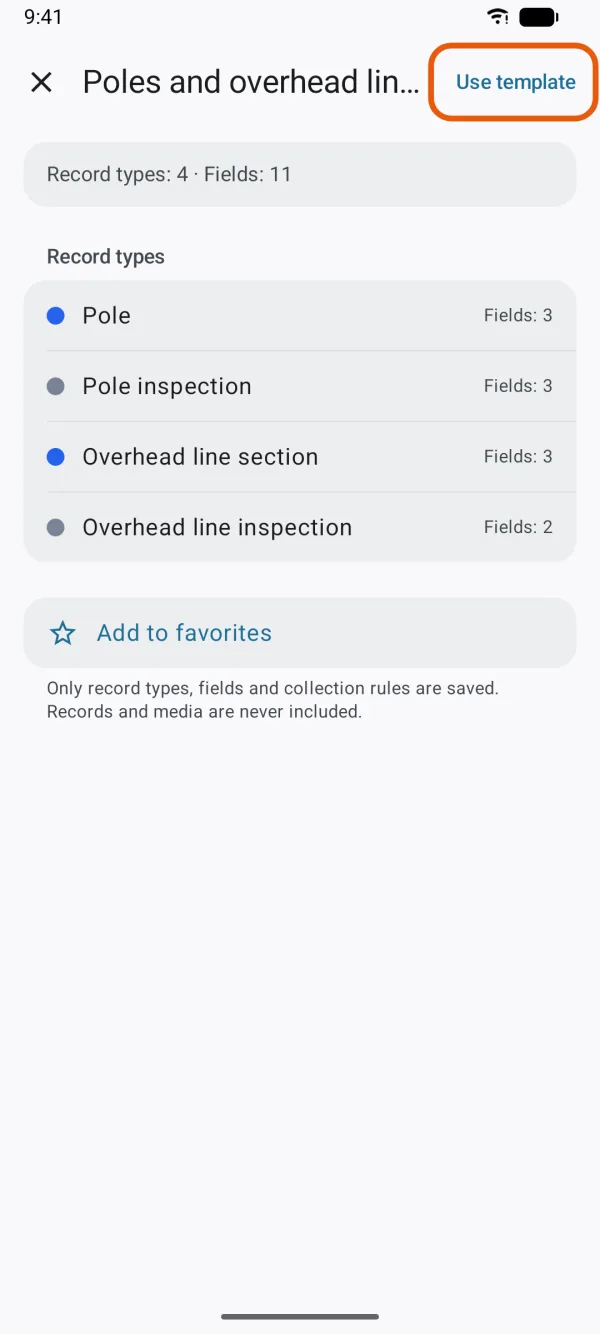
A template's record types, with Use Template at the top.
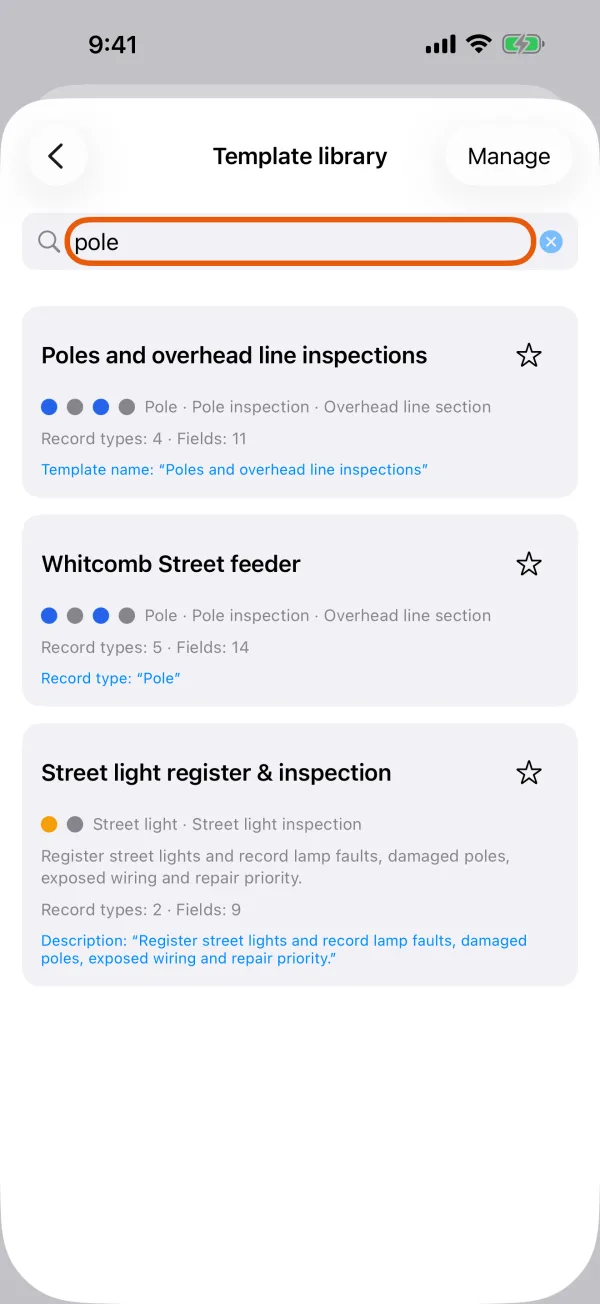
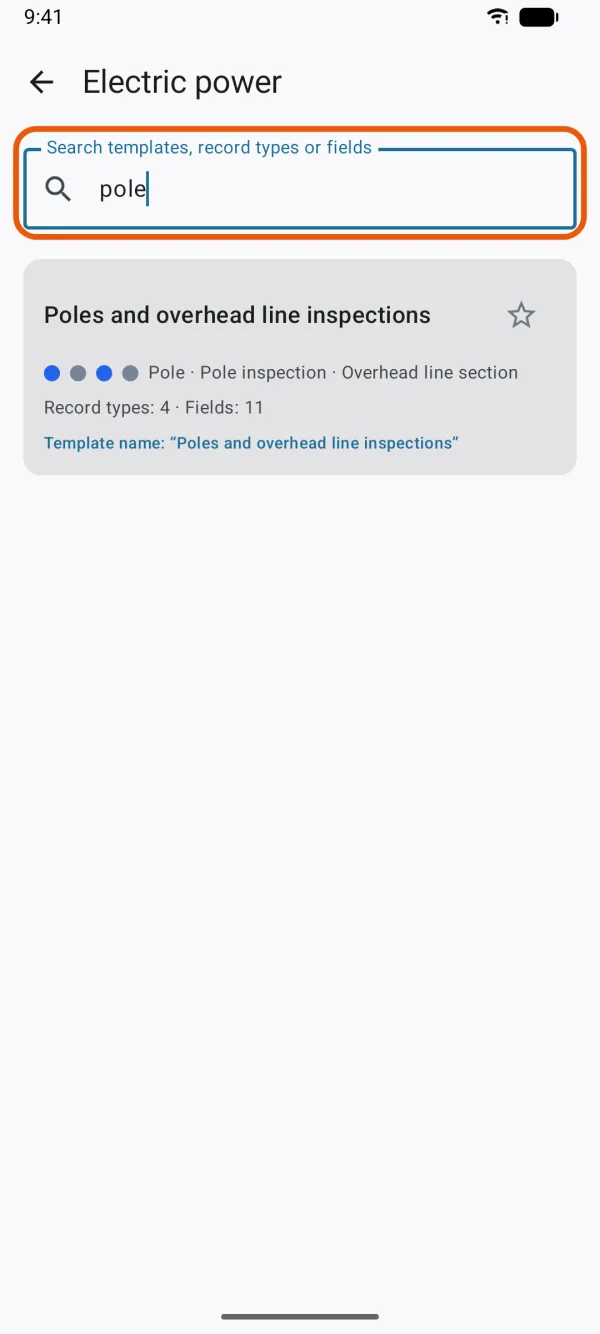
Not sure which shelf? Type in Search templates, record types or fields, such as hydrant or pH. Each result says what matched, such as Field: “pH”.
After Use Template, you check and adjust a copy before you tap Create. See Create your first project.
Municipal infrastructure
| Template | What you record |
|---|---|
| Fire hydrant register & inspection | Hydrants, and an inspection of each |
| Street light register & inspection | Street lights, and an inspection of each |
| Storm drain, manhole & pipe inspection | Drainage structures and pipe sections, each with its own inspection |
| Trail condition & maintenance | Trail facilities, trail sections and maintenance issues |
| Park and public space facility inspection | Benches, waste bins, drinking fountains and other facilities, with an inspection |
| Waste and suspected dumping observations | Waste and dumping, the area affected, and cleanup follow-ups |
| Water valve and visible leak inspection | Water valves with an inspection, and visible leaks, on their own or linked to a valve |
Transport and roads
| Template | What you record |
|---|---|
| Road & sidewalk defect survey | Street problems as points, and affected sections as lines |
| Traffic signs and street furniture inspection | Signs, signals, bollards and other street facilities, and guardrails, markings and barriers as lines, each with an inspection |
| Bridge and culvert visual inspection | Bridges and culverts, with an inspection |
| Walking and cycling facility inspection | Crossings, curb ramps and bicycle parking, and route sections, each with an inspection |
| Public transport stop inspection | Bus and tram or light rail stops and station entrances, with an inspection |
| Parking and kerb / curb inspection | Parking areas and curb sections, each with an inspection |
| Traffic count and movement observation | Count sites, and count sessions with motor vehicles, heavy vehicles, bicycles and pedestrians |
Agriculture
| Template | What you record |
|---|---|
| Field observations and crop walks | Fields as areas with visits, independent observations, and the areas affected |
| Irrigation and farmland drainage inspection | Irrigation facilities and ditch or pipe sections, each with an inspection, and standing water |
| Orchard and vineyard observations | Orchard and vineyard blocks, with observations that include the growth stage |
| Pasture and fence inspection | Gates, water troughs and fence sections, each with an inspection |
| Crop damage survey | Crop damage and its cause, the area affected, and the fields it can be linked to |
Electric power
| Template | What you record |
|---|---|
| Poles and overhead line inspections | Poles and overhead line sections, each with an inspection |
| Distribution equipment register and inspection | Transformers, distribution cabinets, ring main units and other equipment, with an inspection |
| Power line corridor and vegetation inspection | Corridors as lines, observations such as vegetation near the line or a fallen tree, follow-ups, and the areas affected |
| Cable corridor and ancillary facility inspection | Covers, markers and cable corridor sections, each with an inspection |
| Post-disaster power facility survey | Damage, on its own or linked to a power facility or line, and the areas affected |
Field research
| Template | What you record |
|---|---|
| Field survey and sampling | Observations at a site code, with sample details when a sample is taken |
| Soil sampling | Soil samples, with a single depth or a depth interval in millimeters |
| Geological observations and rock sampling | Observations of rock or unconsolidated material, with an optional sample |
| Wildlife and plant observations and sampling | Species, how they were observed, the quantity, and an optional sample |
| Repeated observations at fixed sites | Observation sites, and a visit with a reading each time |
| Surface water sampling and measurements | Sampling sites, and visits with a sample, measurements of water temperature (°C) and pH, or both |
| Sediment sampling | Sediment samples, with an optional depth in millimeters |
Forestry and conservation
| Template | What you record |
|---|---|
| Tree survey and observations | Trees, and observations of their condition |
| Invasive species observations and follow-up | Where a species occurs, the area affected, and follow-up visits |
| Shoreline change and erosion observations | Shoreline sections as lines, observations of change, and the areas affected |
Construction
| Template | What you record |
|---|---|
| Construction progress & safety | Work areas and safety concerns |
Emergency and disasters
| Template | What you record |
|---|---|
| Rapid multi-hazard damage assessment | Damage locations and affected areas |
| Post-disaster road access and blockage survey | Road obstructions and affected road sections, each with a follow-up |
| Building exterior damage observation | Buildings or sites, and observations of exterior damage |
| Disaster debris and hazardous obstruction survey | Debris and obstructions, and the areas they cover, each with a clearance follow-up |
| Flood extent and high-water observation | Flood observations and flood-affected areas |
| Landslide, rockfall and ground-failure observation | Ground-failure locations and areas |
| Critical facility and public service status | Shelters, health facilities and other critical facilities, with status checks |
New and updated templates
Dipper Field checks for new and updated templates each time you open Template Library, so the library can grow without an app update. A newer version of a built-in template replaces the old one in the library; projects you've already created from it don't change.
- If the check can't connect, the library says Couldn’t check for new templates. Showing the ones on this device. and works with the templates already there.
- If a template needs a newer app, it stays hidden, and the library says Some templates need a newer version of Dipper Field. Update the app to see them.
Templates are starting points, not official or regulatory forms. Before you rely on one, check that its questions meet your organization's and any regulator's requirements.
What the templates have in common
- Things you keep and come back to, such as hydrants or poles, usually have an ID you can scan. It must be answered and can't repeat. See Required answers, ranges and unique values.
- Many observations and visits end with a date-and-time field, such as Observed / sampled at, that starts at the current time.
- In many templates, lines and areas measure themselves, as Length (m) and Area (ha). See Fill in answers automatically.
- Some fields appear only for certain answers, such as a problem type once a problem is found. See Show questions only when they apply.
- The templates follow the app's language. Pipe diameter in Storm drain, manhole & pipe inspection follows your units: inches when your Distance unit is feet, yards or miles, or Automatic in the United States, and millimeters otherwise. See Units, language and coordinate format.